
Chores first.
Games after.
Task Locked turns your child's morning routine into a game. They check off each task, collect stars, and their iPad unlocks their games when the routine is done.
For iPhone and iPad. Free with one routine. Unlimited Routines is a one-time purchase of $4.99, with no subscription.
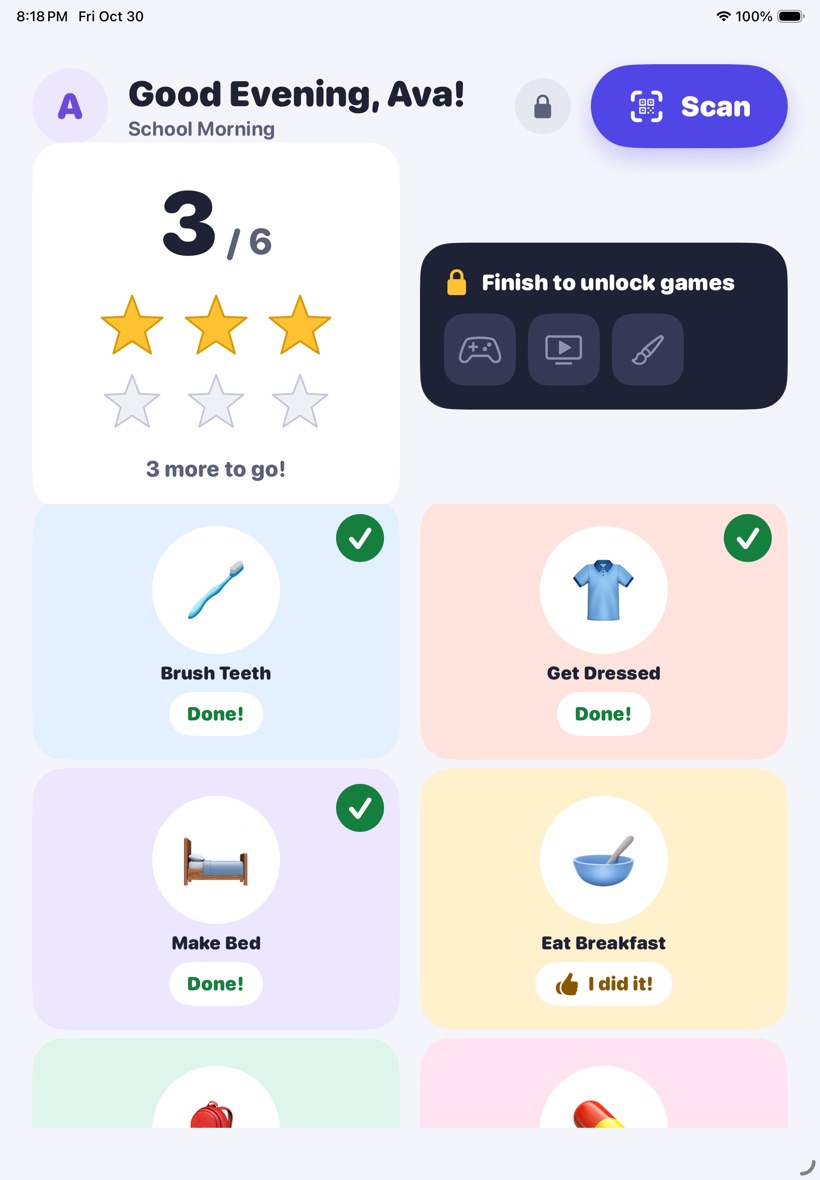
How the routine unlocks screen time
- Add the tasks of the routine, and choose how your child checks off each one.
- Choose the games and apps that stay locked until the routine is done.
- Your child opens Task Locked and checks off each task when it is done. Each task earns a star.
- When every task is done, the iPad unlocks the games by itself. No nagging, and no checking.
Three ways to check off a task
- Scan a QR code: print the code and put it where the task happens, such as the toothbrush code by the sink.
- Tap "I did it!": for tasks that you trust your child to report.
- Grown-up check: the task waits until a parent enters the PIN, for tasks such as medicine.
A chore chart for kids, controlled by parents
- A different check for each task: mix QR codes, "I did it!" taps, and grown-up checks in one routine.
- Screen Time that your child cannot turn off: Task Locked uses Apple's Screen Time controls. With a child account in Family Sharing, you approve it with your own Apple Account.
- Parent Mode behind a PIN: see today's progress, mark a task done, or unlock games for 30 minutes.
- Routines on a schedule: a school-morning routine on weekdays, and another for after school or bedtime.
Setup takes about two minutes
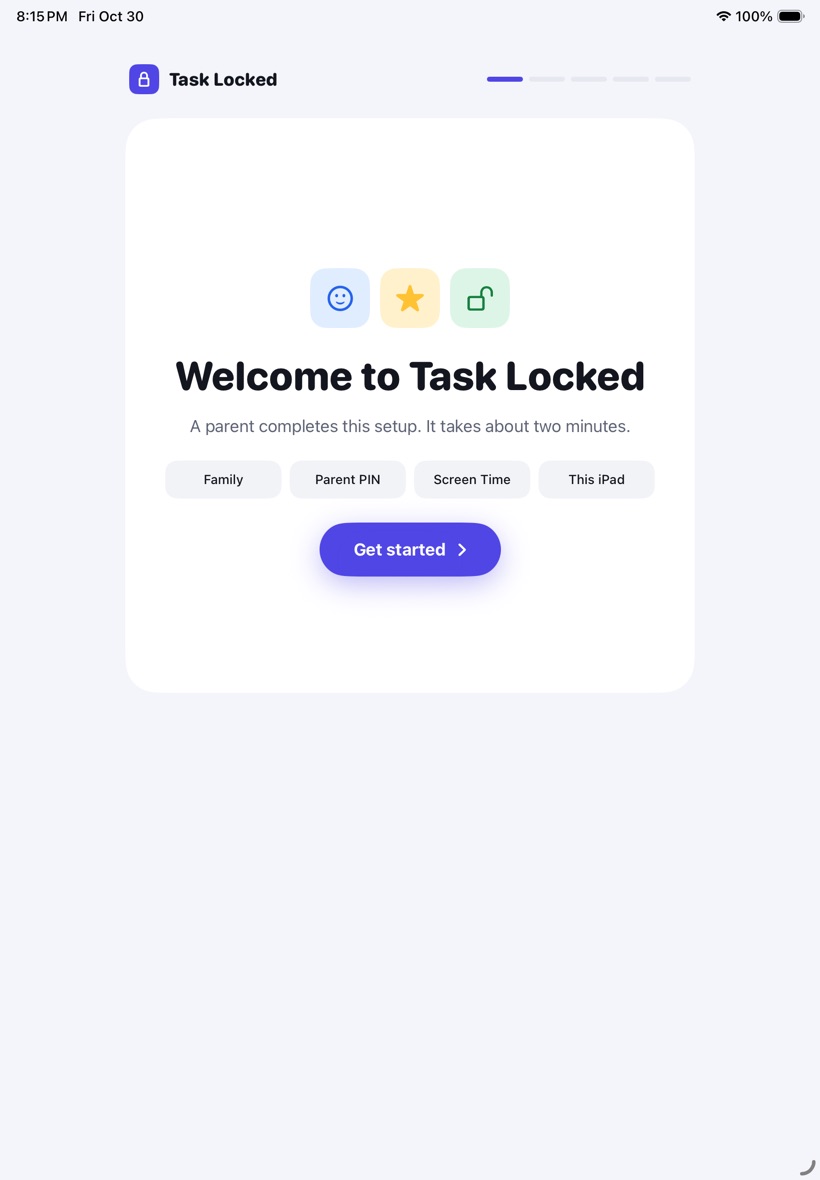
Name your family, set a parent PIN, and approve Screen Time. Task Locked starts you with a School Morning routine that you can change.
Private by design
No account, no server, no ads, and no tracking. Everything stays on your child's iPad. Read the Task Locked privacy details.
Questions
- How does my child earn screen time?
- Your child checks off each task in the routine. Each task uses one of 3 checks: a QR code scan, an "I did it!" tap, or a parent PIN check. When every task is done, Screen Time unlocks the games and apps that you chose.
- Can my child turn off the lock?
- Task Locked uses Apple's Screen Time controls. With a child account in Family Sharing, you approve access with your own Apple Account, and your child cannot remove it without your approval.
- Can I make a bedtime or after-school routine?
- Yes. Each routine runs on a schedule, such as a school-morning routine on weekdays and another for after school or bedtime. The free version has one routine. Unlimited Routines adds as many as you need.
- How much does Task Locked cost?
- Task Locked is free with one routine. Unlimited Routines is a one-time purchase of $4.99, with no subscription.
- Does Task Locked collect data about my child?
- No. Task Locked has no account, no server, no ads, and no tracking. Everything stays on your child's iPad.